


VEED
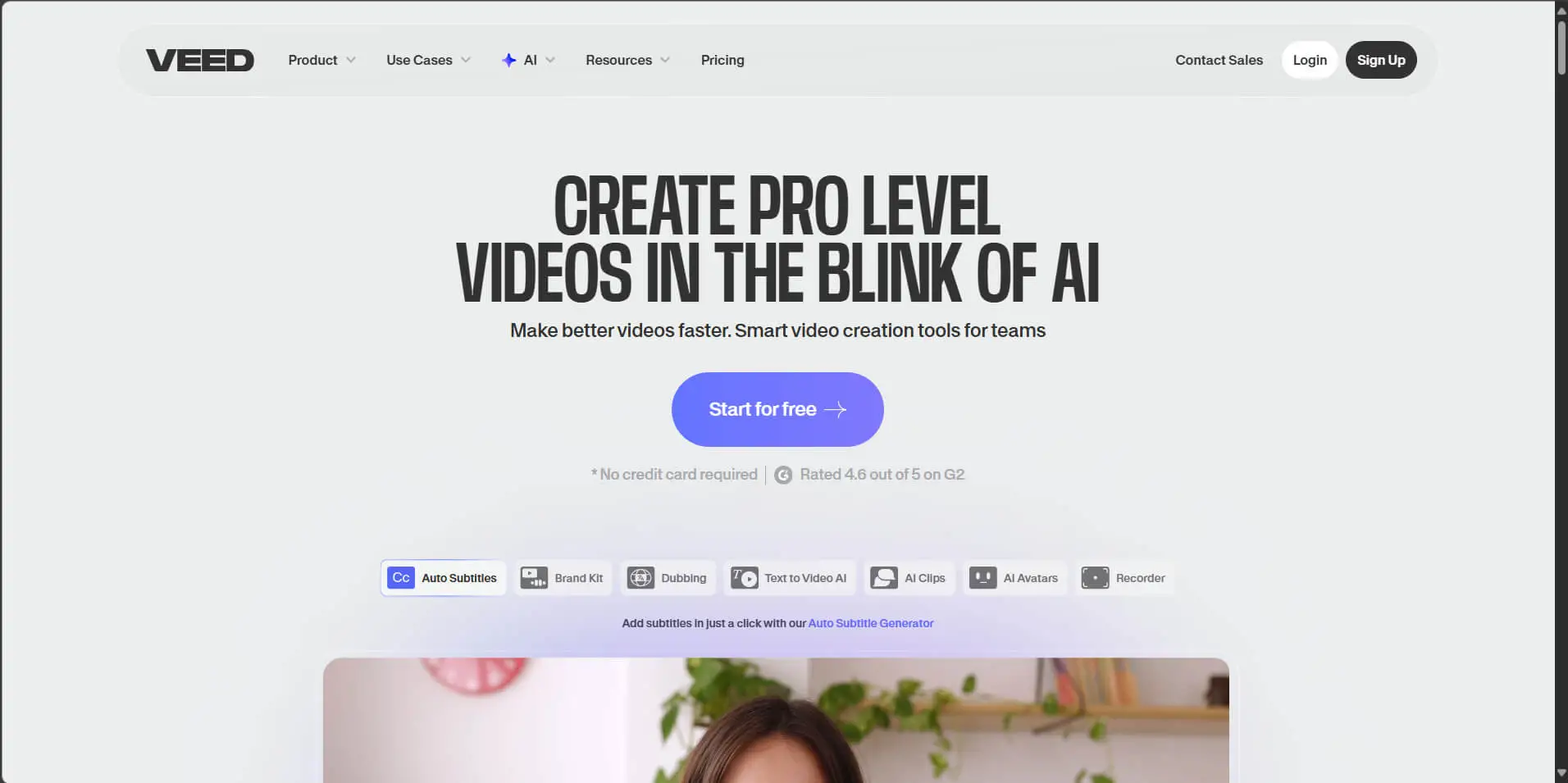
VEED is an online video creation and editing platform offering advanced features such as AI avatars, clip generation, automatic dubbing, and voice cloning. Its user-friendly interface and browser-based functionality make it ideal for creators and teams seeking speed without compromising quality.
VEED
- Plan(s):
FreePaidTrial
Share this AI:
Updated: October 23, 2025
Overview
VEED is a comprehensive cloud-based video creation and editing solution. The tool allows users to record, edit, transcribe, translate, subtitle, and even generate entire videos from text using artificial intelligence. The entire process takes place directly in the browser, with no need to install complex software.
The platform is aimed at content creators, marketing teams, educators, and professionals who need to produce videos quickly and collaboratively. It's especially useful for those looking to create accessible, multilingual content with a personalized visual identity.
VEED’s main differentiator is its combination of an intuitive interface with advanced features, such as AI-powered eye contact correction, pause removal, voice cloning, digital avatars, and real-time collaboration. This all-in-one approach streamlines workflows and reduces the need for additional tools.
Key Features & Functionalities
- Online Video Editor: Trim, merge, resize, and add text, images, and soundtracks in an easy drag-and-drop interface, directly in the browser with no installation required.
- Automatic Subtitles: Instant generation of audio-synced subtitles, with options for review, manual editing, and built-in translation to multiple languages.
- AI for Advanced Editing: Noise removal, eye contact correction, automatic elimination of pauses and filler words, voice cloning, and the Magic Cut tool, which automatically selects the best video moments.
- AI Avatar Generator: Creation of realistic AI-generated avatars that can be used as presenters for social media, training videos, tutorials, or corporate communications. The tool also allows users to generate custom avatars based on their own face and voice, expanding possibilities for personalization and digital presence.
- Screen and Camera Recording: Simultaneous screen, webcam, and microphone capture, with direct insertion into video projects or slide-based presentations.
- Text-to-Video: Turn text or scripts into videos with automatic voiceovers. VEED offers a variety of AI-based models such as Fabric 1.0, Seedance, Kling AI, and PixVerse, capable of generating realistic videos from text, images, or audio—with advanced customization options via API.
- Integrated Media Library: Access to thousands of royalty-free videos, images, icons, and tracks built into the platform, making it easy to compose content without leaving the editor.
- Collaboration and Feedback: Tools for sharing, real-time comments, version review, and visual identity control with brand kits for teams and agencies.
- Exporting and Publishing: Flexible options for compression, format conversion, direct link hosting, and integration for embedding in websites, LMS platforms, and social media.
Use Case Examples
- Social Media Content Creation: Quickly generate videos with automatic subtitles and music.
- Online Education: Recorded lessons with transcription, translation, and avatars narrating the content.
- Corporate Training: Internal videos with branding and collaborative review.
- Multilingual Marketing: Promotional videos with automatic translation into multiple languages.
- Video Podcasts: Editing of recorded episodes with AI-powered cutting and noise removal.
How to Use
- Access the platform: Visit the official website and create a free account.
- Choose the desired function: Select from video editing, recording, subtitling, or AI-based creation.
- Upload or record your content: Upload files or use the platform’s internal recorder.
- Apply edits and AI features: Use automated tools or manually edit as needed.
- Export and share: Download the video or share it via link, embedding it directly into websites or social media.
Required Expertise Level
VEED is accessible even to beginners, with a simple and intuitive interface. Most features can be used without prior video editing experience. More advanced users can explore AI features and complex collaborative workflows.
Available Integrations
- APIs: Developer integrations for recording and editing functionalities.
- Sharing Platforms: Easy export and sharing for YouTube, Instagram, TikTok, and more.
Plans & Subscription Models
- Free: Limited access with watermark and basic features.
- Paid Plans: Various tiers offering HD/4K exports, advanced AI features, custom branding, team collaboration, and increased storage capacity.
Share this AI:
Suggest tools, correct information, or send feedback